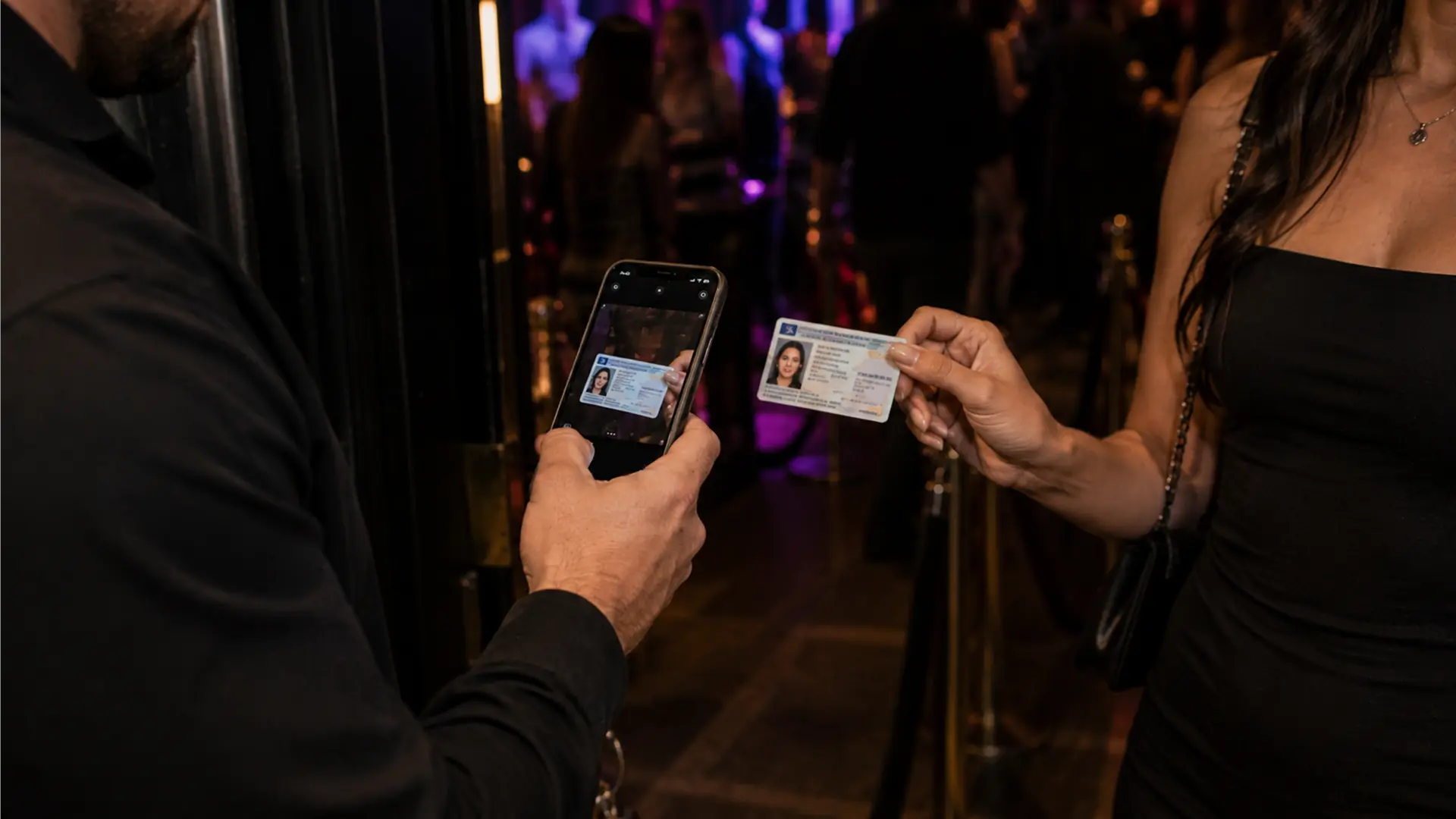
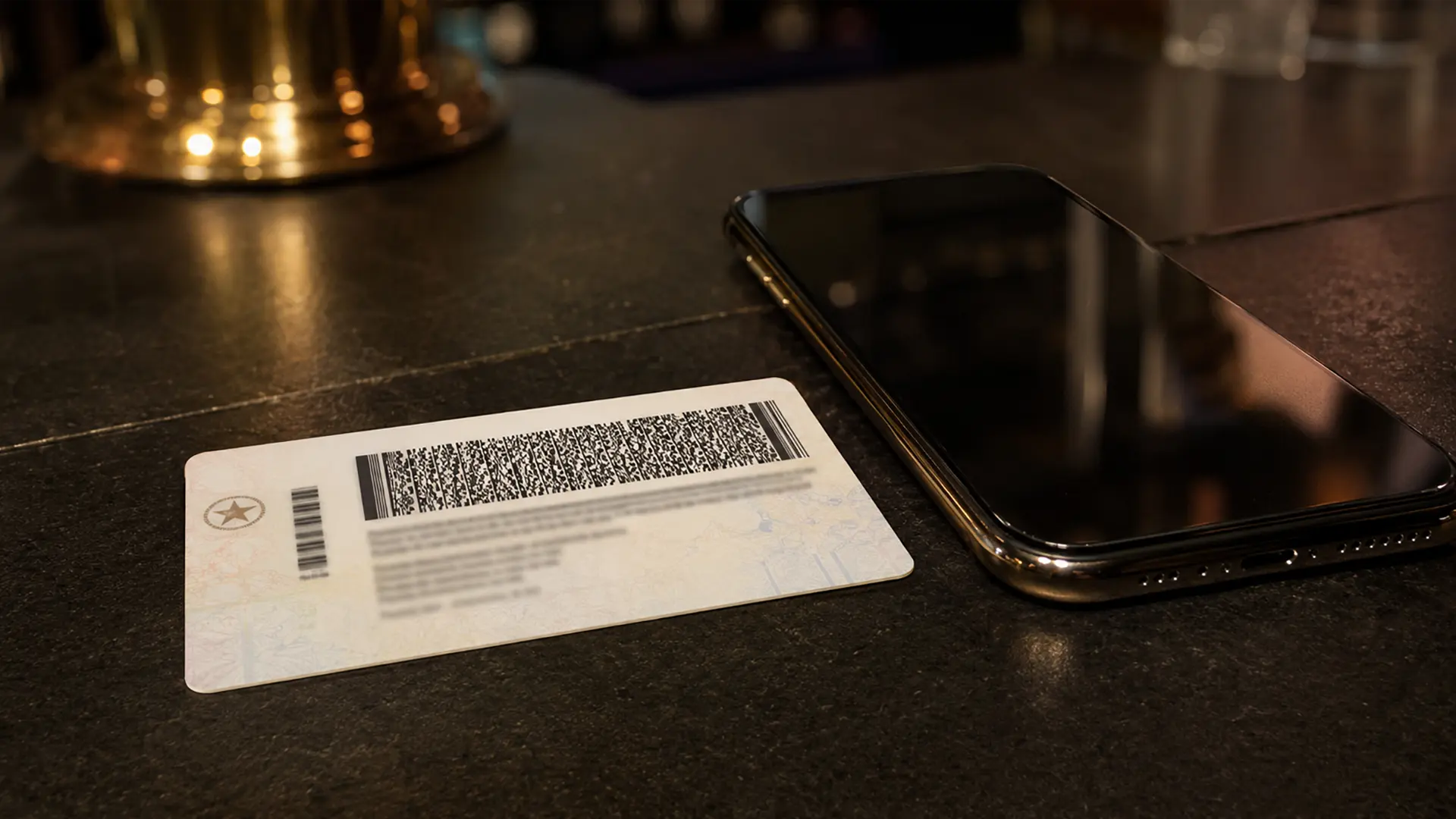
When a venue uses digital ID verification, the back of the card is often where the process starts.
US driver’s licenses and state identification cards commonly include machine-readable information. A drivers license scanner app can read that information and apply rules such as age and expiration without requiring staff to type the details manually.
The exact format and available fields vary by issuing authority, so venues should test the documents they actually encounter.
What is the PDF417 barcode?
Many US driver’s licenses use a PDF417 barcode to encode structured information. Depending on the issuing jurisdiction and document, the data can include fields such as name, date of birth, expiration date, and document identifiers.
The important point for a venue is not the technical name of the barcode. It is that the machine-readable data can be processed much faster and more consistently than manually entering or calculating every field.
Barcode scanning is not the same as authenticity checking
A barcode tells the application what information is encoded. It does not automatically prove that the physical document is genuine.
That is why a broader workflow can combine several checks:
Barcode verification reads the encoded information.
Front-of-ID verification provides an opportunity to inspect the visible document and its information.
Cross-checking compares information from the different parts of the document.
IVO supports these verification approaches on iPhone and iPad.
How to scan a driver’s license on a phone
The basic process is straightforward:
- Open the venue’s scanning application.
- Select the appropriate scanning mode.
- Position the physical ID so the machine-readable area is visible to the camera.
- Review the returned result.
- Apply the venue’s admission policy and complete any required visual checks.
The practical details matter. Poor lighting, damaged cards, a dirty camera lens, or a staff member holding the device at the wrong angle can slow the process.
State differences matter
There is no single physical driver’s-license design used throughout the United States.
Issuing authorities can use different layouts, security features, and data conventions. A venue should therefore evaluate a drivers license barcode scanner app against the documents common in its own market rather than assuming that one successful scan proves universal support.
The same principle applies to other identity documents presented by guests.
Physical IDs and screenshots are different
A photograph or screenshot of a driver’s license is not automatically equivalent to presenting the physical document.
The venue should define which forms of identification it accepts and train staff accordingly. If local law or venue policy requires physical presentation, staff should not treat a picture on a phone as a substitute merely because an image can be displayed.
Why driver’s-license scanning matters to the larger workflow
The barcode scan is only one step in the process.
The real operational value comes when the result feeds into the rest of the door workflow: age checking, expiration checks, additional verification, staff decisions, and, where appropriate, shared venue records.
That is why a drivers license scanner app should be evaluated as part of the venue’s process rather than as a standalone barcode-reading technology.
IVO uses iPhone and iPad scanning as the starting point and adds optional verification layers and venue-management features around it.