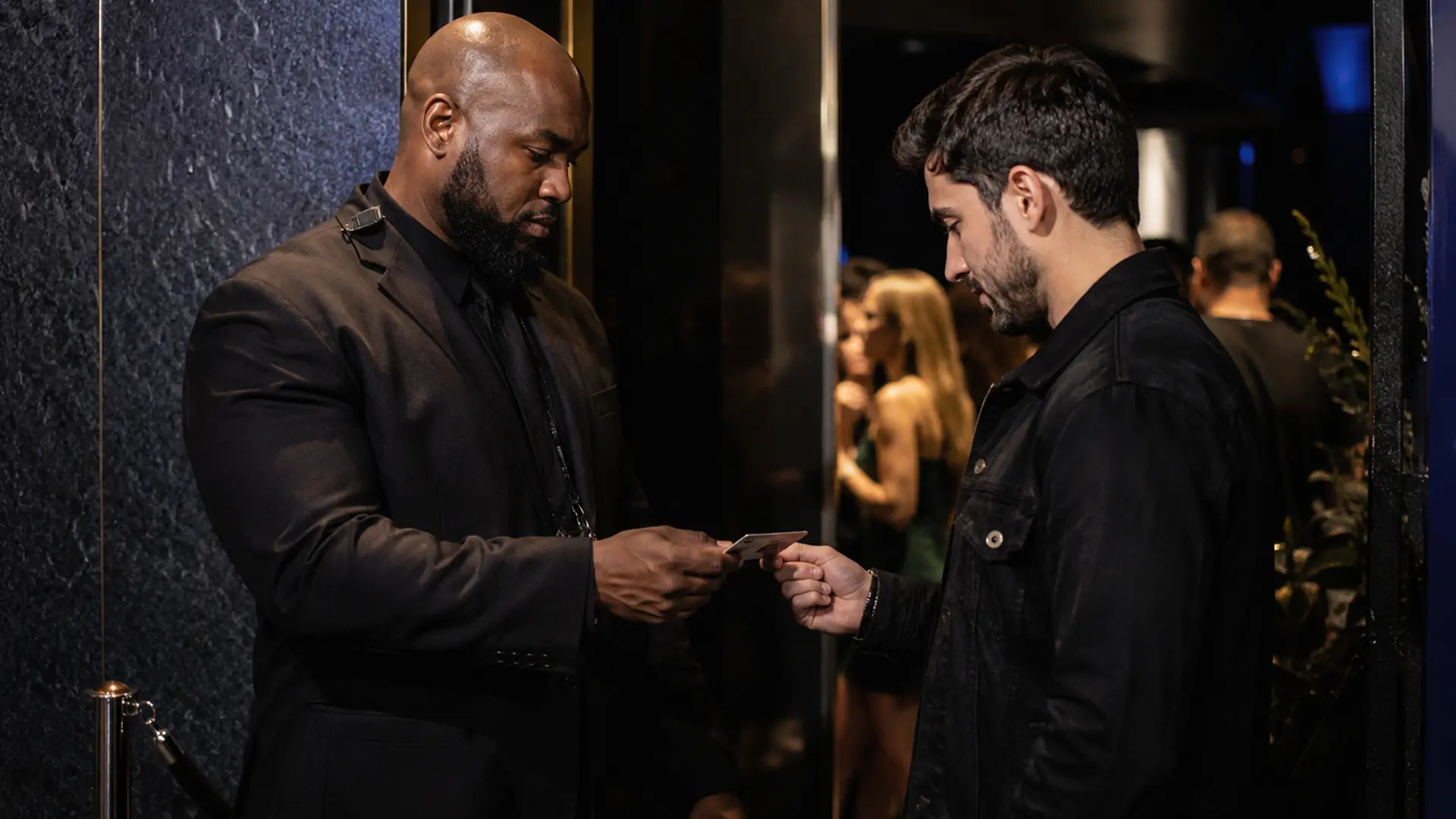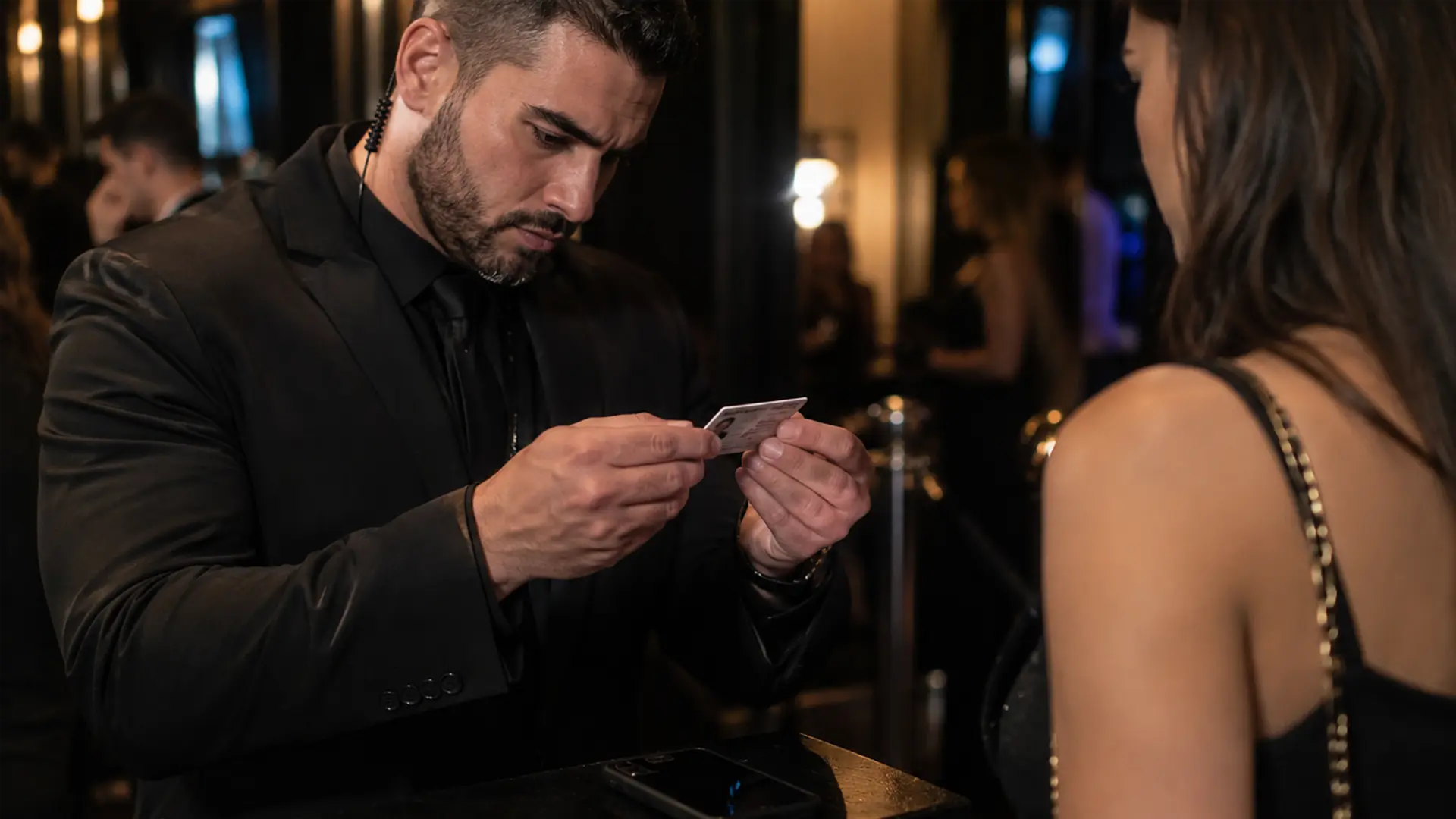
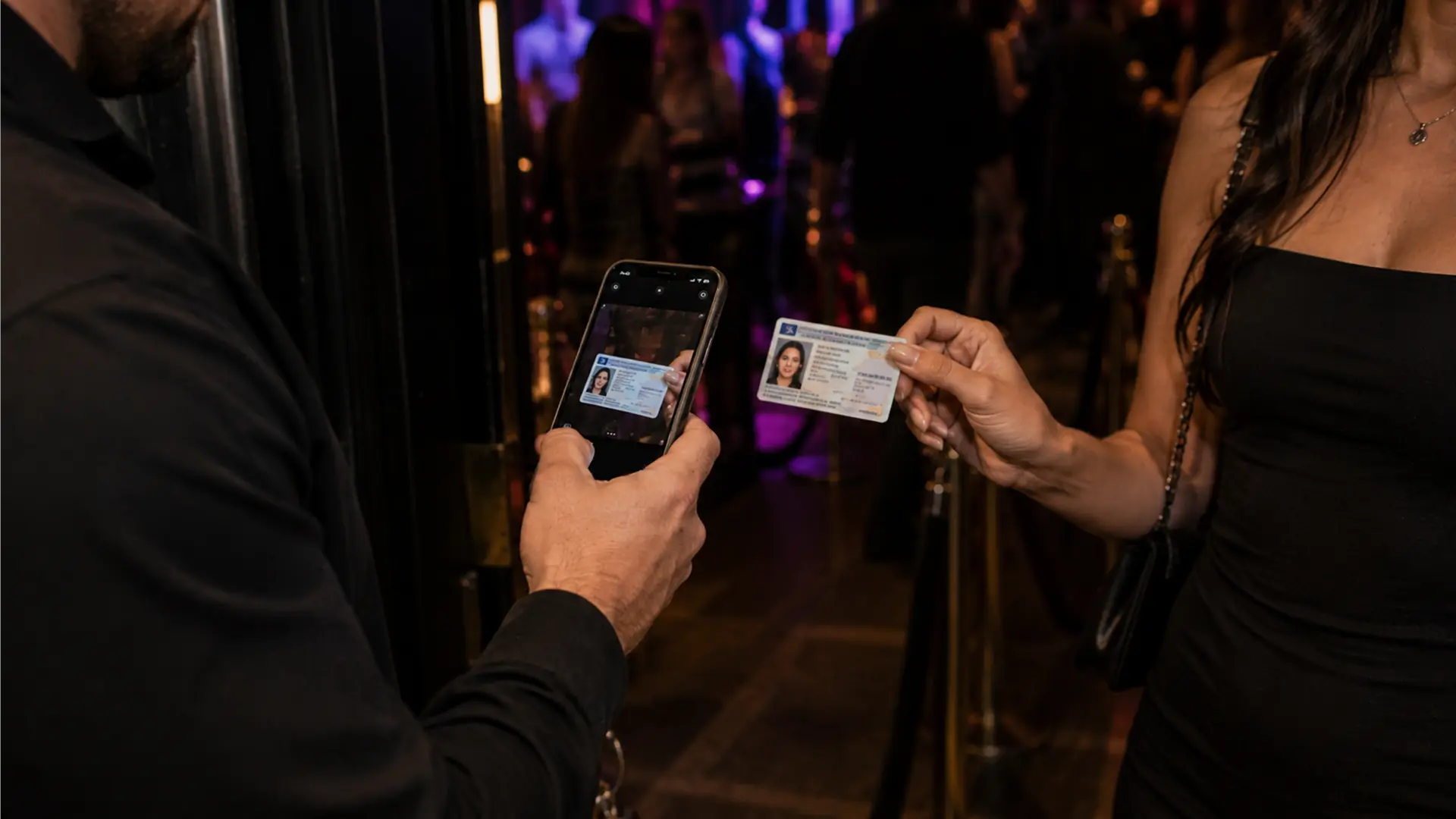
A dedicated ID scanner is not the only way to run a digital ID check at a venue.
For many operators, the more practical question is whether an id scanner app iphone staff can use at the door provides enough capability without adding another piece of hardware.
For the right venue, it can.
Why use an iPhone or iPad?
The main advantage is flexibility.
A venue can deploy scanning software on compatible Apple devices without purchasing a dedicated scanner for every position. A second entrance can be added by adding another device, and the same type of interface can be used by the door team.
That can be particularly useful for secondary entrances, VIP areas, temporary events, or venues that do not want a fixed hardware setup everywhere.
There are tradeoffs. Phones need charging, outdoor environments require protection, and a venue needs a clear policy if staff are using personal devices.
A consumer scanner is not a venue system
A generic QR-code reader is not the same thing as a venue ID scanner.
A serious id scanner app for iphone should be designed around the actual document and door workflow. Depending on the product, that may include machine-readable ID support, age and expiration checks, additional verification modes, scan history, and shared venue information.
The interface also matters. Staff should be able to understand the result quickly without navigating through a complicated screen while a line is waiting.
What IVO provides on iOS
IVO is built for iPhone and iPad and includes barcode verification, front-of-ID checks, layered cross-checking, Team Sync, ban management, visitor tracking, and scan history.
That makes the app more than a barcode reader. It is intended to support the broader venue workflow around the scan.
IVO is iOS-only. Venues that require Android devices will need a different solution.
Can you scan an ID with a phone?
Yes, when the ID format is supported and the app is designed to read it.
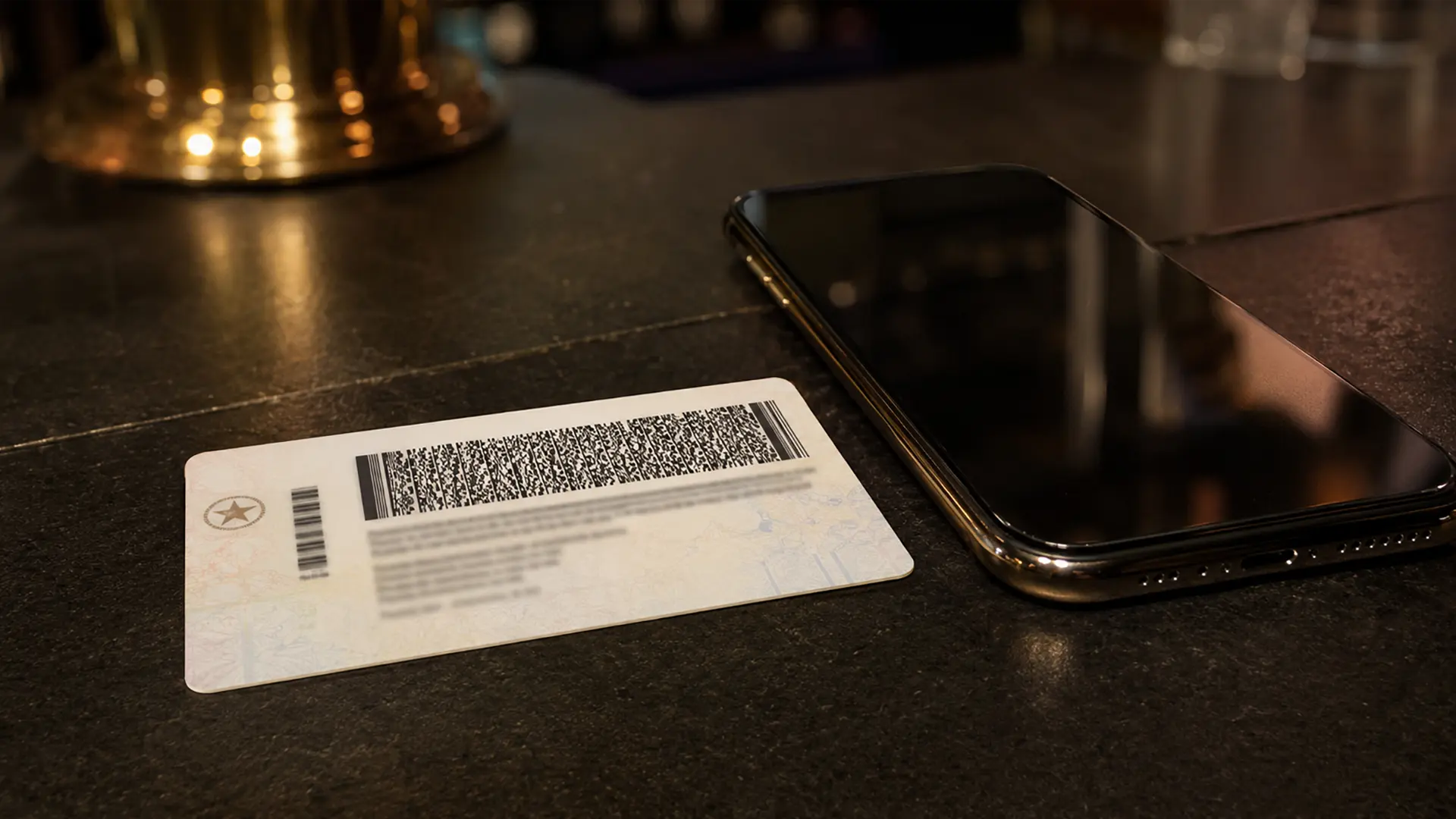
The important distinction is between scanning the machine-readable information on the physical document and simply taking a photograph of an ID.
A structured barcode contains encoded data that the application can interpret. Additional verification modes can then use information visible on the front of the document as part of the workflow.
Setting up an iPhone at the door
The technology works best when the physical setup is considered too.
Use a stable position for the device. Make sure the barcode can be illuminated clearly. Keep charging equipment available. If the venue uses several devices, configure Team Sync before opening rather than during the rush.
Test the actual IDs staff see in your market rather than relying only on a single demonstration document.
When dedicated hardware may still be better
A phone is not automatically the best choice.
A venue with extremely high throughput, difficult outdoor conditions, or specific hardware requirements may prefer dedicated equipment. Ruggedness and ergonomics can matter as much as software features.
Some venues can also use both approaches: dedicated hardware at the busiest entrance and an id scanner app for iphone at a secondary position.
The real question
The useful question is not “Are iPhones better than scanners?”
It is: Which setup gives your staff a reliable process at the doors you actually operate?
For some venues, that means dedicated hardware. For others, an iPhone or iPad provides enough scanning capability while making multi-device deployment easier.
IVO is designed for the second model, with venue-management features built around the iOS scanning workflow.