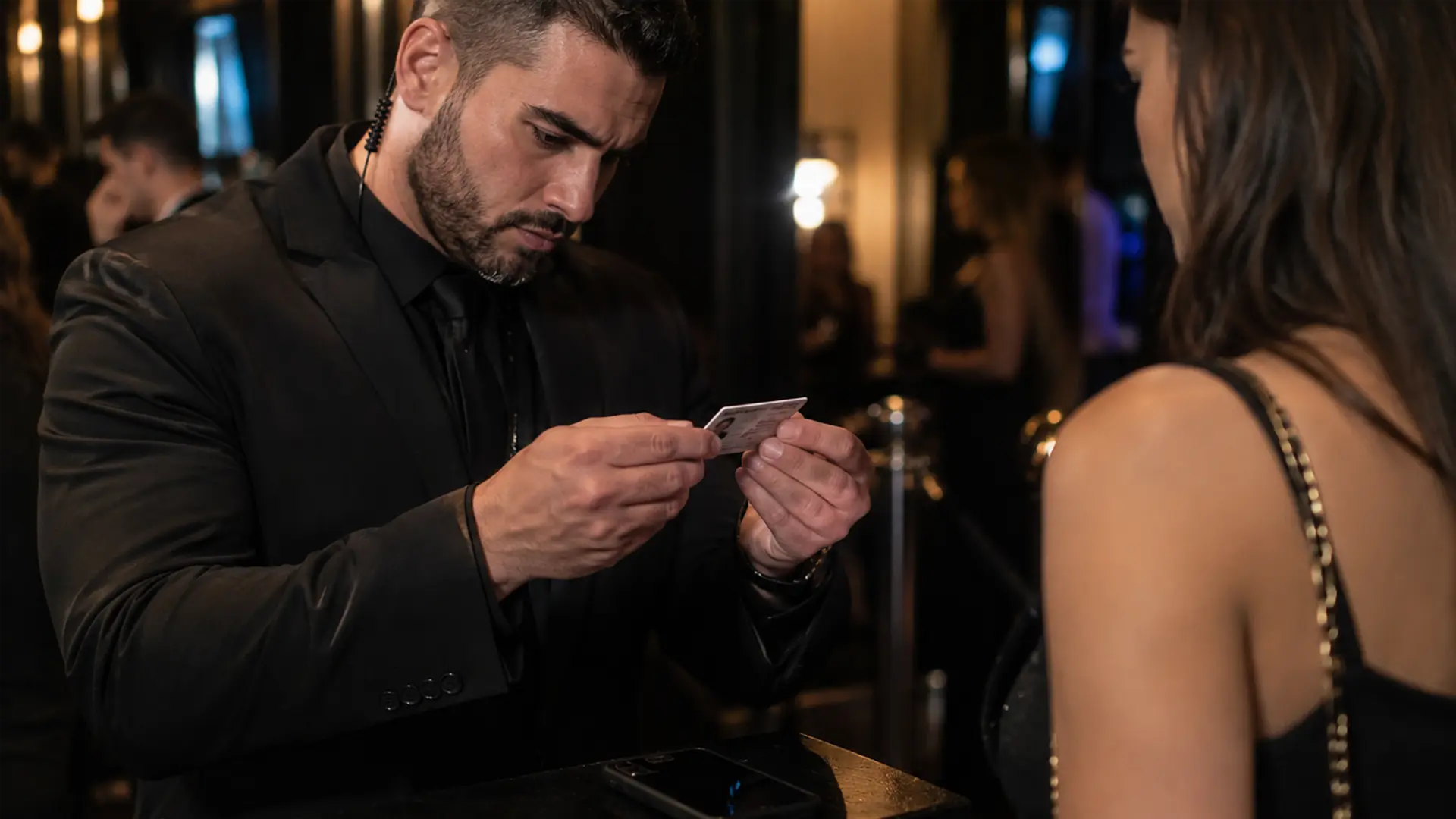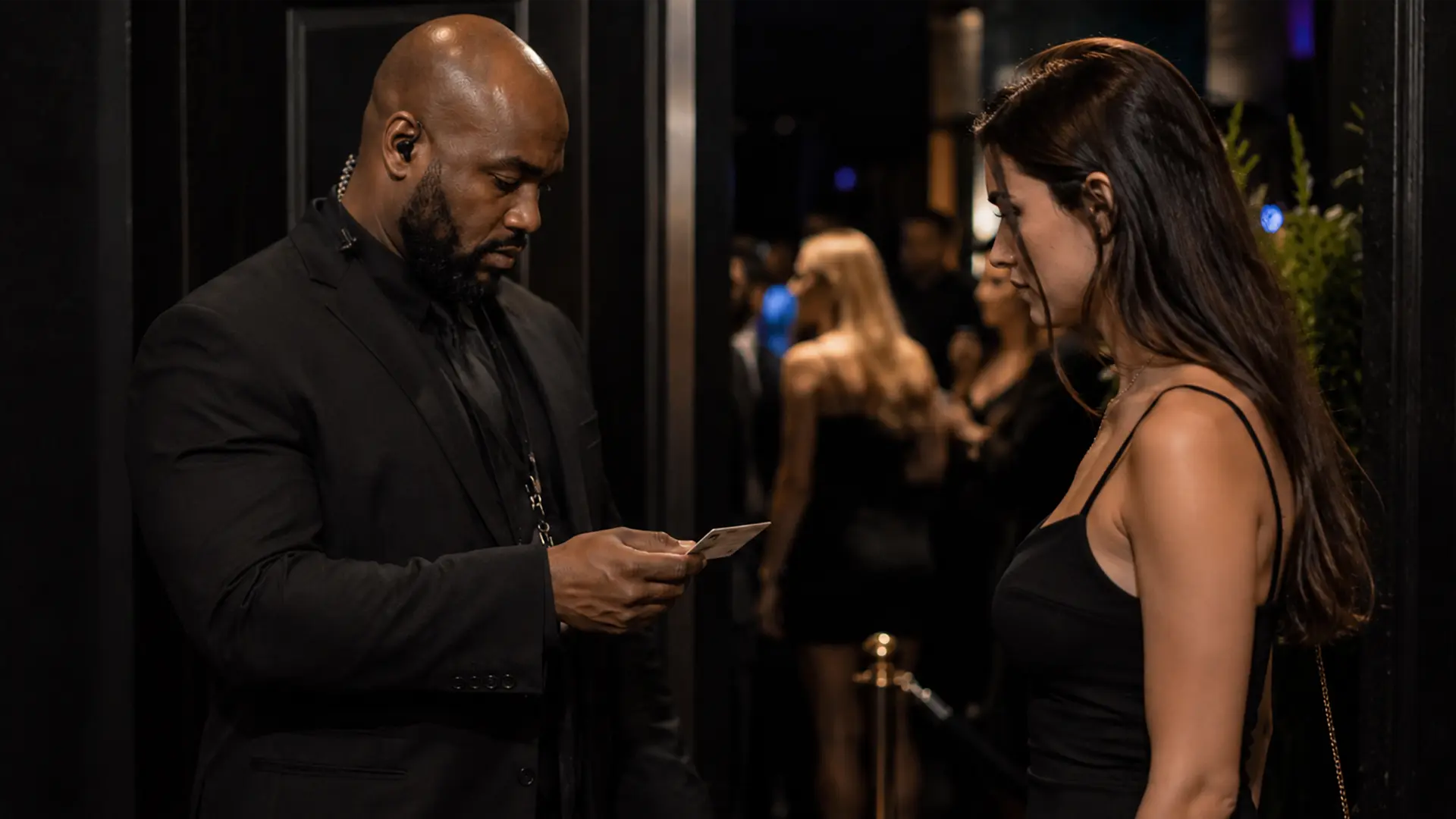
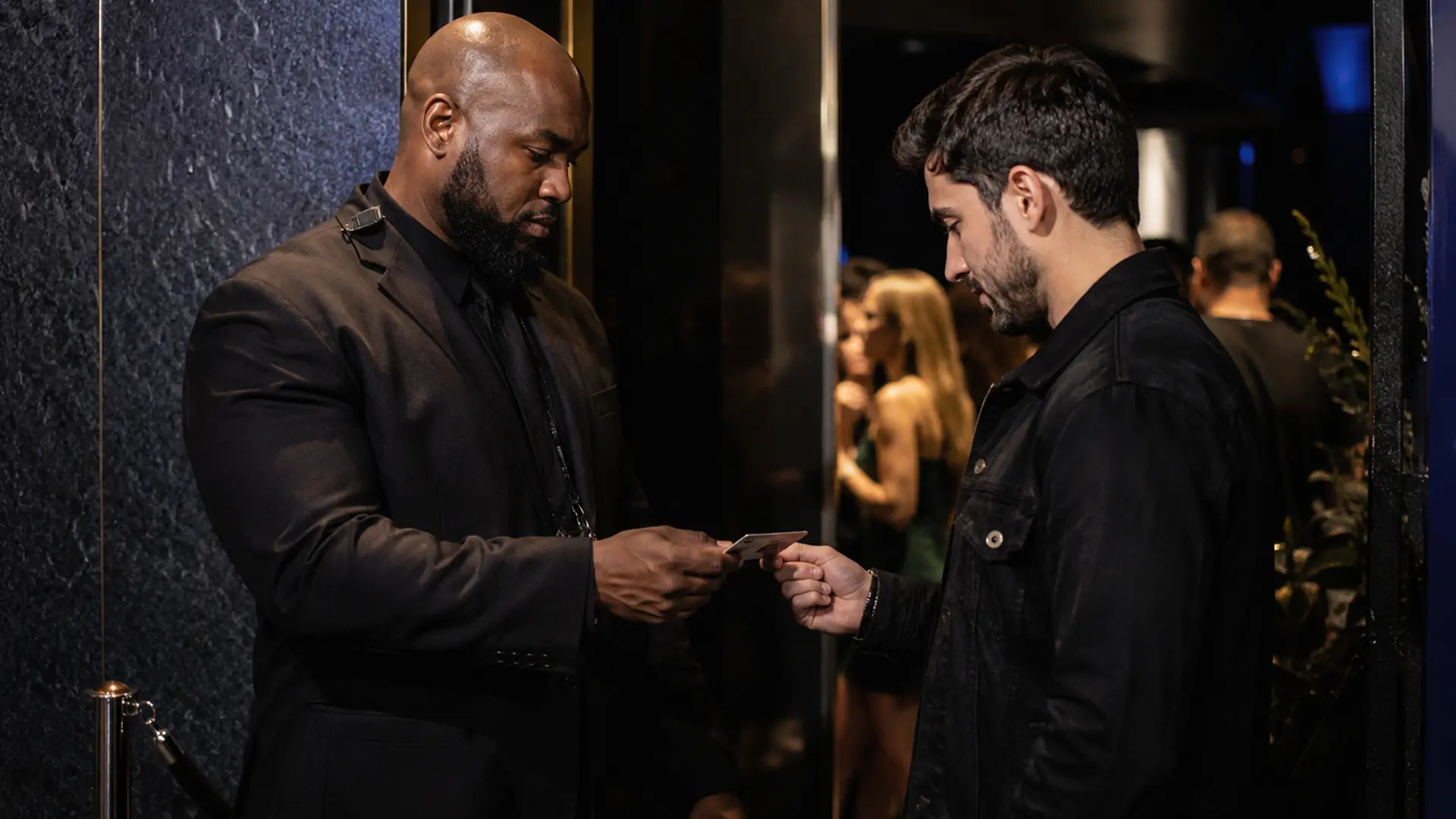
A busy venue door creates a simple problem that gets harder as the line gets longer: staff have to make the same ID decision over and over, quickly and consistently.
They need to check the guest’s age, look at the expiration date, inspect the document, and decide what to do when something does not look right. Add a second entrance, a new member of staff, or a guest who was refused earlier in the night, and the process becomes less straightforward.
That is where an id scanner for bars can help. The useful question is not whether a scanner has the longest feature list. It is whether the system fits the way your venue actually operates.
What an ID scanner for bars actually does
At its simplest, an ID scanner reads machine-readable information from a supported identity document and applies rules such as age and expiration checks. Depending on the product, it may also provide additional document checks, scan history, visitor tracking, or shared information between devices.
That distinction matters. A scanner is not automatically a counterfeit detector, and a successful barcode read does not prove that the person presenting the document is the legitimate owner.
A good venue workflow therefore treats scanning as part of the door check rather than as a substitute for staff judgment.
Dedicated hardware or an iPhone app?
There are two common approaches.
| Approach | Best for | Tradeoffs |
|---|---|---|
| Dedicated scanners | High throughput, demanding physical environments | Additional hardware per position to buy and maintain |
| iPhone and iPad apps | Venues already using Apple devices, flexible door setups | Charging, workflow discipline, door conditions |
Dedicated scanners
Dedicated hardware can make sense for venues with very high throughput or demanding physical environments. The device is purpose-built for repeated scanning and may be easier to protect from rain, drops, and heavy use.
The tradeoff is that you are buying and maintaining another piece of equipment at each scanning position. Before choosing a handheld id scanner for bars, ask how many devices you actually need, how they are managed, what documents they support, and how their data is handled.
iPhone and iPad apps
An iPhone or iPad can be a more flexible option when the venue already uses Apple devices. It can also make adding a second entrance easier because the scanning system is software rather than a separate scanner installed at every post.
The limitations are practical rather than theoretical. Devices need to be charged, staff need to use the correct workflow, and the device has to work in the conditions around your door.
IVO is designed for iPhone and iPad and is aimed at venue workflows rather than general-purpose QR scanning.
What should you compare before buying?
Do not start with the product’s feature list. Start with your door.
Ask:
- Which identity documents do we actually see?
- How many entrances need scanning?
- How busy is the door at peak time?
- Do staff need shared bans or scan history?
- Who should be able to see or change venue information?
- What information is stored after a scan?
- How long is it retained?
- What happens if a device loses connectivity or battery?
- Can new staff be added without creating another independent account?
Those questions tell you much more than a generic “best ID scanner” ranking.
Barcode checks are useful, but they are not the whole inspection
A machine-readable barcode can provide structured information quickly. That is useful for age and expiration checks and can reduce mistakes caused by manual date calculations.
But barcode data is only one part of an ID inspection. A borrowed legitimate ID is still a legitimate document. A counterfeit can be made to contain plausible information. A card can also have visible inconsistencies that deserve a closer look.
That is why the best workflow combines technology with staff training and a clear escalation procedure.
Multiple entrances change the problem
A single scanner can be enough for a small venue. Once you have several entrances, the important question becomes whether the devices share information.
Imagine a guest is refused at the main entrance and a ban is recorded. Ten minutes later, that guest tries the patio entrance. If the second device has no access to the same information, the venue has two separate door systems rather than one.
For multi-door venues, synchronized bans, visitor information, and scan history can be more valuable than another scanning feature that staff rarely use.
IVO’s Team Sync is built around this model. Multiple iPhones and iPads can operate as part of the same venue setup, with shared venue information rather than separate isolated installations.
Common mistakes
Treating the scanner as the decision-maker. A result from software does not replace your admission policy or staff judgment.
Using different procedures at different entrances. If one door scans every guest while another relies entirely on visual checks, consistency becomes difficult to maintain.
Ignoring what happens after a refusal. A refusal is not necessarily the end of the operational problem if the guest can simply try another entrance.
Collecting data without a clear policy. Before storing scan history, decide what you need, who can access it, and how long you intend to keep it. Privacy and legal requirements vary by location.
Where IVO fits
IVO combines ID scanning with venue-management features such as front-of-ID verification, barcode verification, layered cross-checking, Team Sync, ban management, visitor tracking, and scan history on iPhone and iPad.
The useful distinction is that these features address different parts of the door workflow. Scanning helps with document and age checks. Team Sync helps keep multiple devices aligned. Ban management and history help the venue deal with information that needs to persist beyond one interaction.
No scanner can make the venue’s decisions for it. The operator still needs a policy, trained staff, and procedures appropriate to the jurisdiction.
Choosing the right system
There is no single best id scanner for bars.
A small one-door bar may value simplicity above everything else. A nightclub with several entrances may care more about synchronization and management controls. A temporary event may prioritize quick deployment. A venue dealing with frequent document fraud may want a layered verification workflow rather than barcode reading alone.
Start with the way your doors operate. Then choose the technology that supports that workflow.