
If your venue has more than one entrance, the difficult part is no longer just scanning the ID. It is making sure every entrance is working from the same information.
A guest refused at the main door should not become an unknown guest at the patio door five minutes later. A ban added by one staff member should not depend on someone remembering to tell everybody else.
That is the problem a multi device id scanner needs to solve.
What goes wrong with isolated scanners
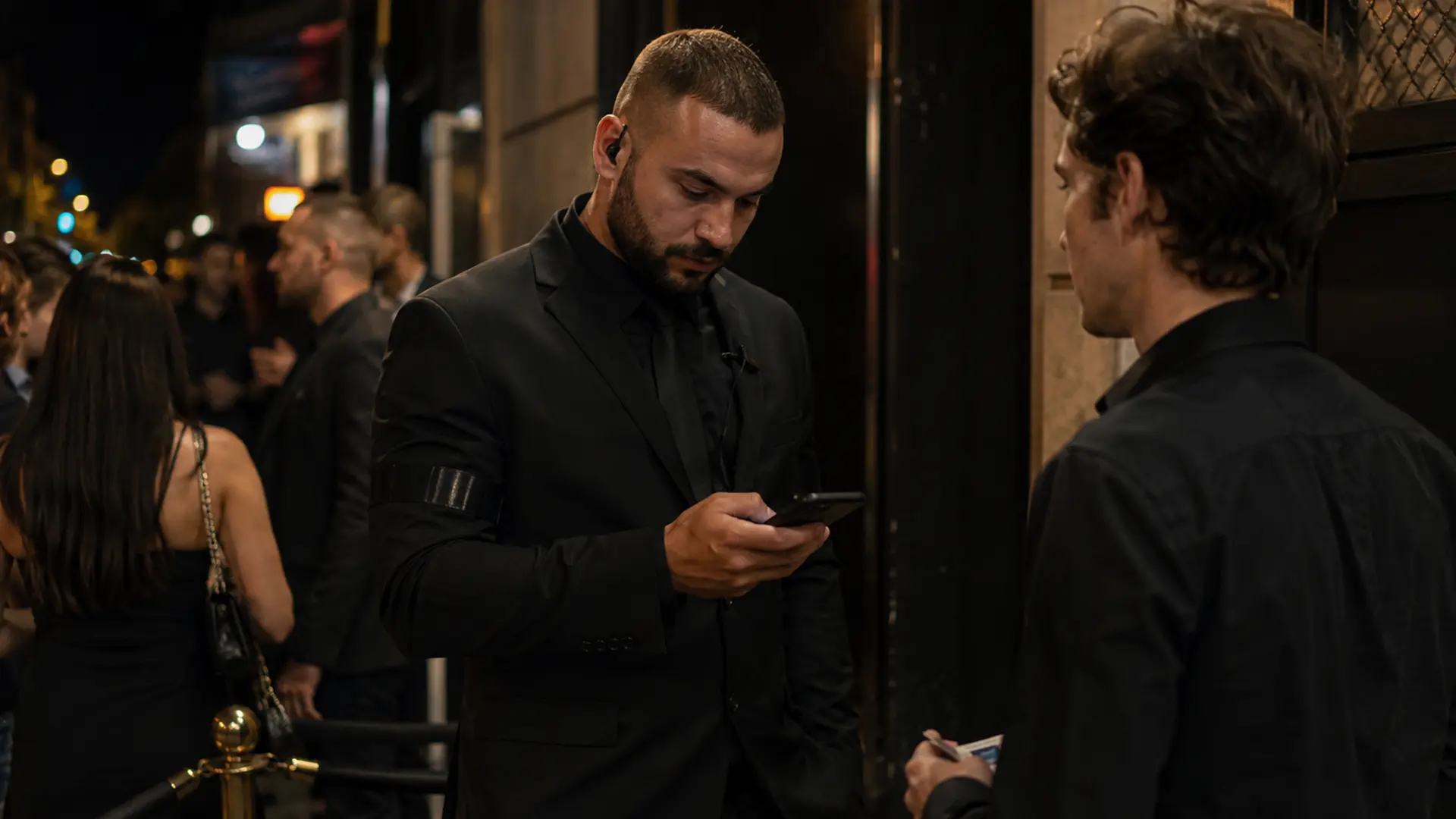
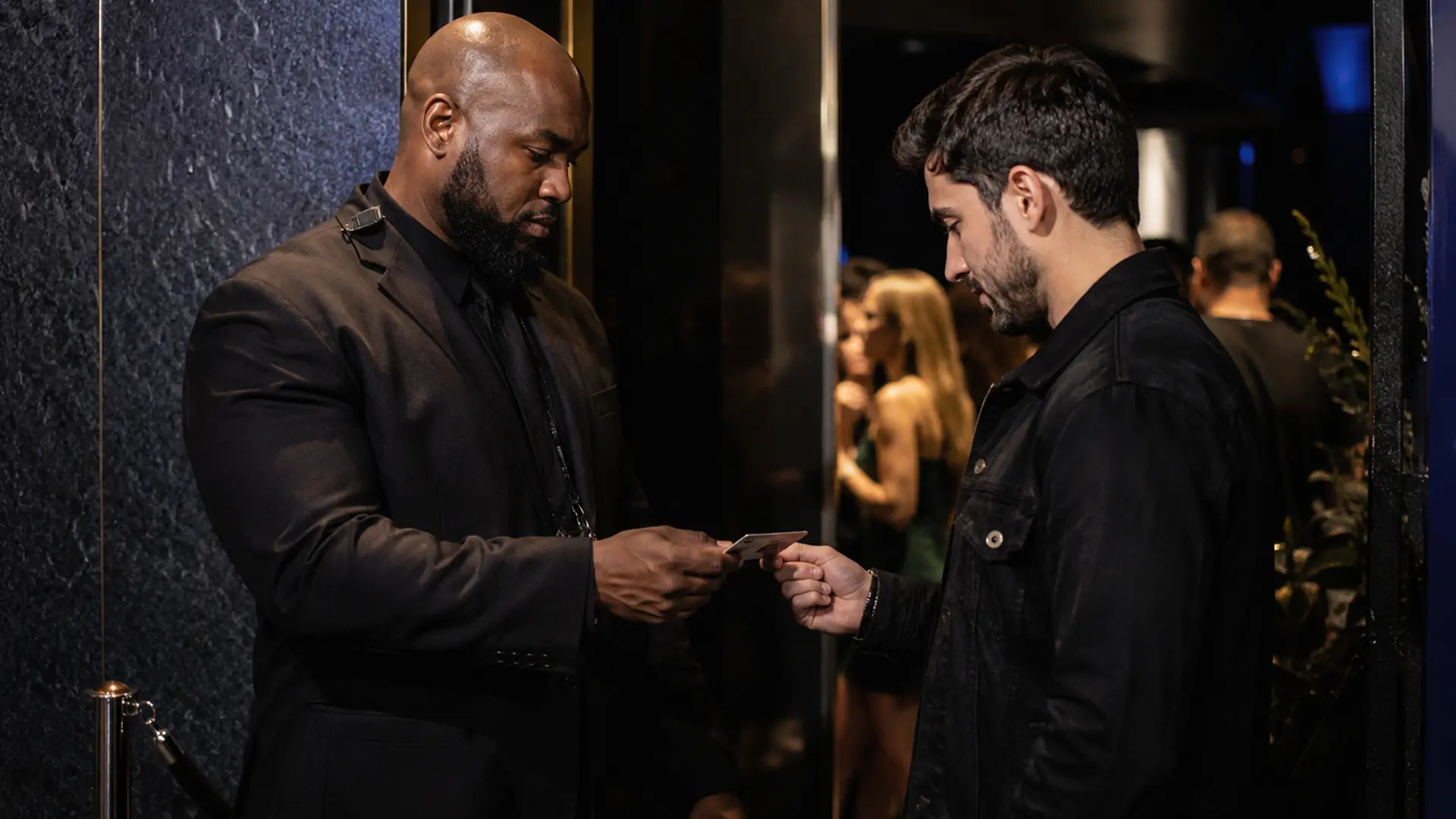
Imagine a nightclub with a main entrance, a VIP entrance, and a patio entrance.
Each position has a scanner, but the devices do not share information.
One staff member identifies a problem guest and refuses entry. The next door knows nothing about it. A manager later wants to understand what happened, but the information is spread across separate devices or personal notes.
The venue technically has three scanners. Operationally, it has three separate systems.
What Team Sync should actually accomplish
The point of synchronization is not simply to make several phones display the same app.
A useful team setup should make important venue information available where it is needed. Depending on the product and configuration, that can include:
- Ban-list changes
- Visitor or occupancy information
- Scan history
- Door or staff context
The exact information and synchronization behavior should always be confirmed against the product’s current documentation.
IVO Team Sync connects multiple iPhones and iPads to one venue setup. Staff can join the venue using the owner’s provided joining method rather than creating a separate paid venue subscription for every device.
Hardware versus multiple phones
Dedicated hardware remains attractive for venues that prioritize ruggedness and extremely high throughput.
Multiple iPhones or iPads offer a different advantage: flexibility.
A venue can add another scanning position without installing another dedicated hardware system. Devices can also be moved between entrances as the operation changes.
That can make an iOS-based multi device id scanner app a practical middle ground for venues that need several scanning positions but do not want every position tied to dedicated hardware.
Test the workflow before opening
Synchronization is only useful if staff know how to use it.
Before a busy night, test the complete process:
- Join every device to the venue.
- Confirm that staff can see the information they need.
- Add a test ban and verify that it appears where expected.
- Check visitor or scan information where applicable.
- Confirm who has owner or management permissions.
- Make sure every device is charged and connected.
Do not discover a joining or synchronization problem while the line is outside the door.
When multiple devices matter most
The benefit becomes obvious when information needs to follow a guest.
This is common in large clubs with separate entrances, venues with VIP areas, temporary events with multiple gates, and bars where one team manages the main door while another handles a secondary entrance.
The more distributed the operation becomes, the less useful isolated records are.
Synchronization is not magic
A shared system does not remove every operational problem.
Devices still need connectivity where the product requires it. Staff still need to use the system. A venue still needs a procedure for what happens when a device is unavailable.
A multi device id scanner should therefore be part of a broader door procedure, not the entire procedure.
Why this matters for IVO
Team Sync is one of the more important parts of IVO’s venue model because it connects the scanning workflow to the way a real multi-door team works.
Instead of treating each iPhone or iPad as an independent scanner, the venue can use connected devices as part of one operation, with shared venue information and management features.
For a single-door bar, that may not be the deciding factor. For a venue with several entrances, it can be.